Tortuga Casino
Spin top slots, join live tables and bet on sports in a fast, clutter‑free lobby—built for both mobile and desktop. New players can unlock a welcome bundle spread across the first four deposits; meanwhile, recurring weekly deals rotate (think a Monday reload and extra spins later in the week). One account lets you switch modes instantly, save favourites and track payments and promos at a glance. See current offers on the Bonuses page.

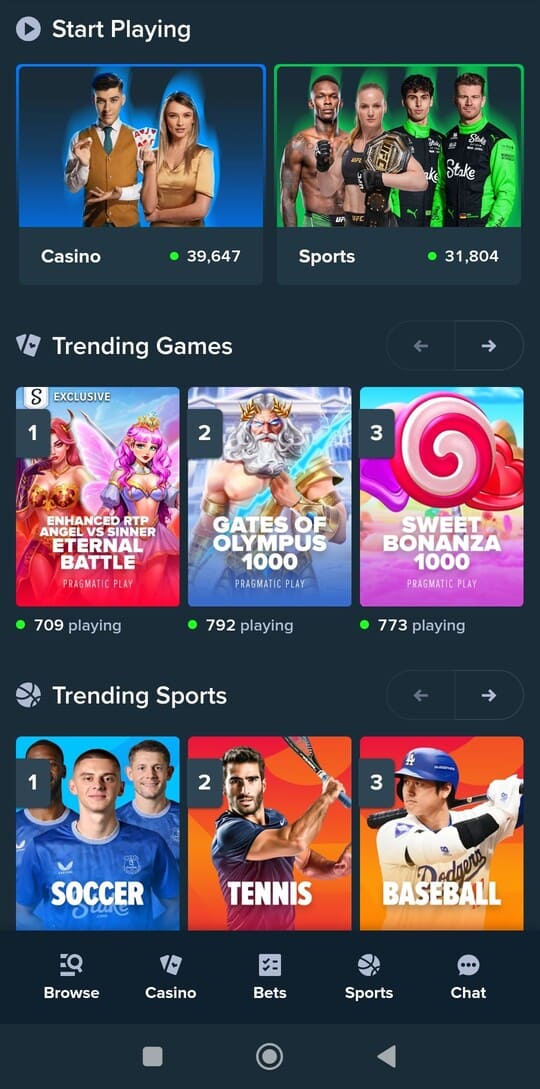
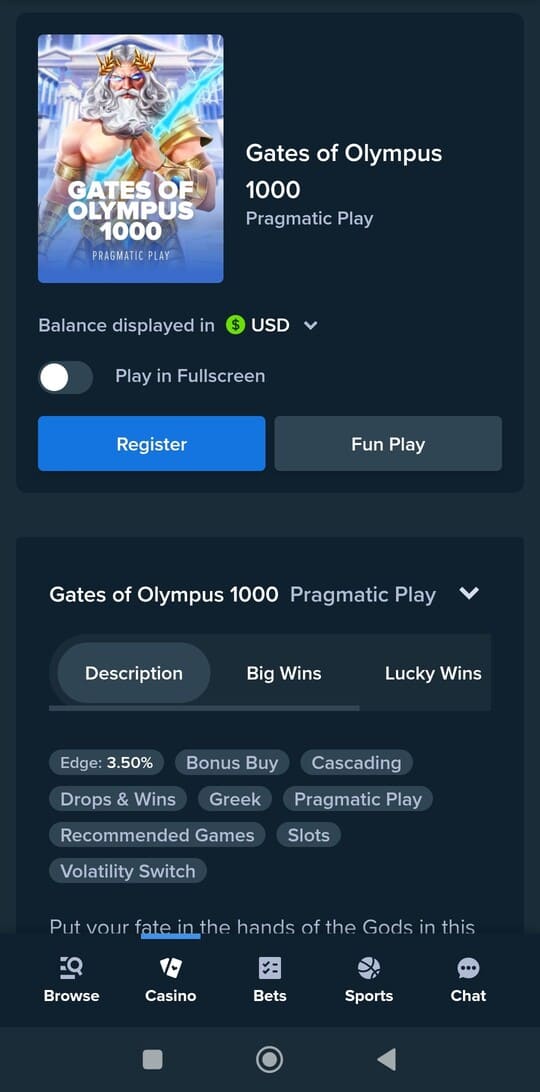
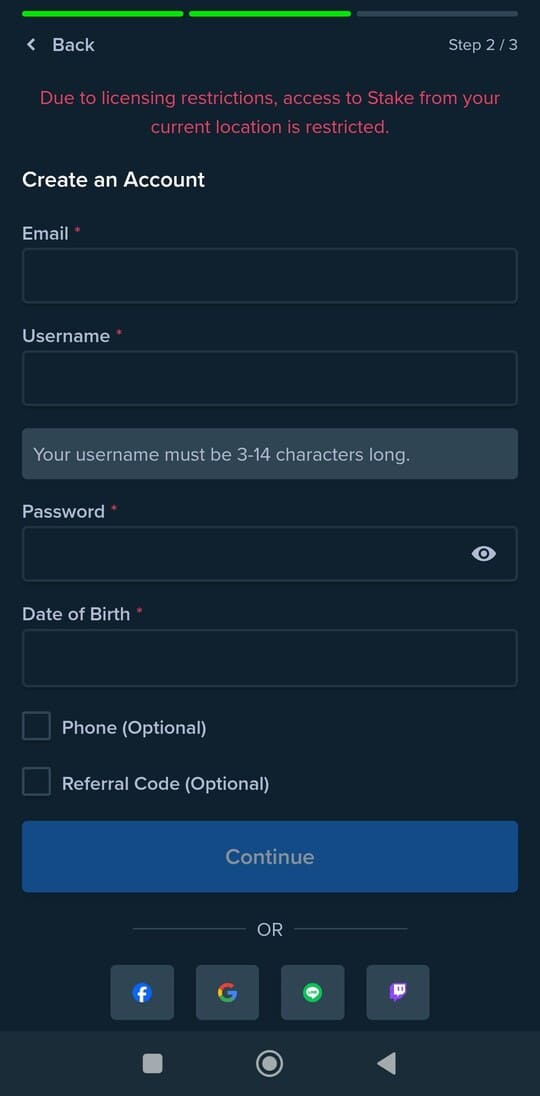
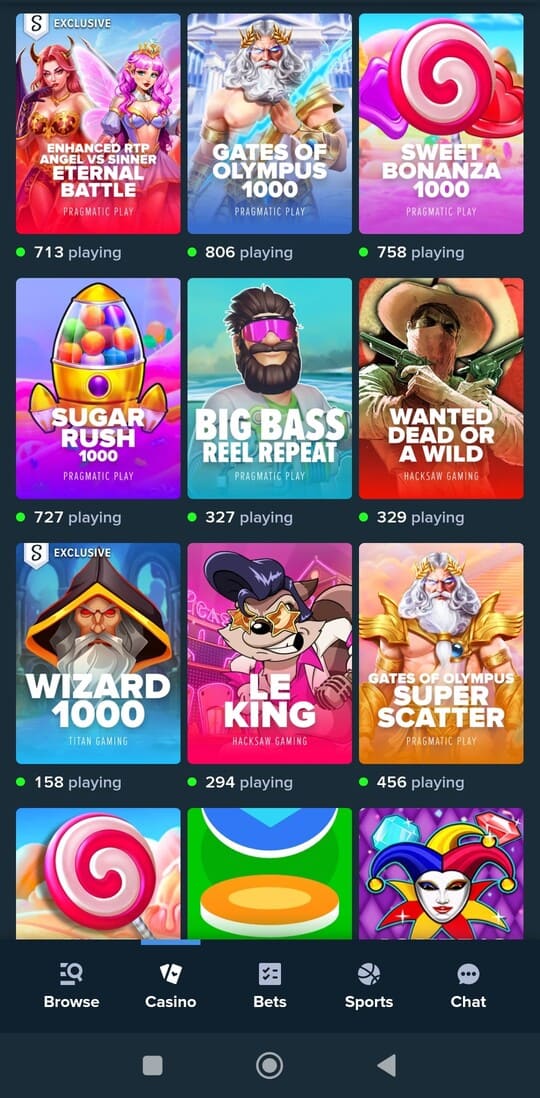
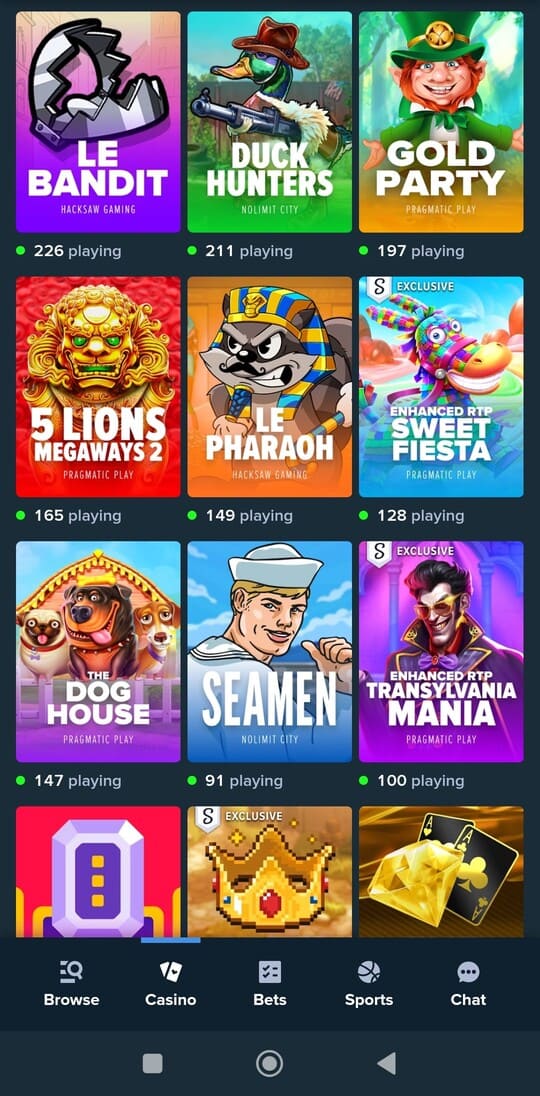
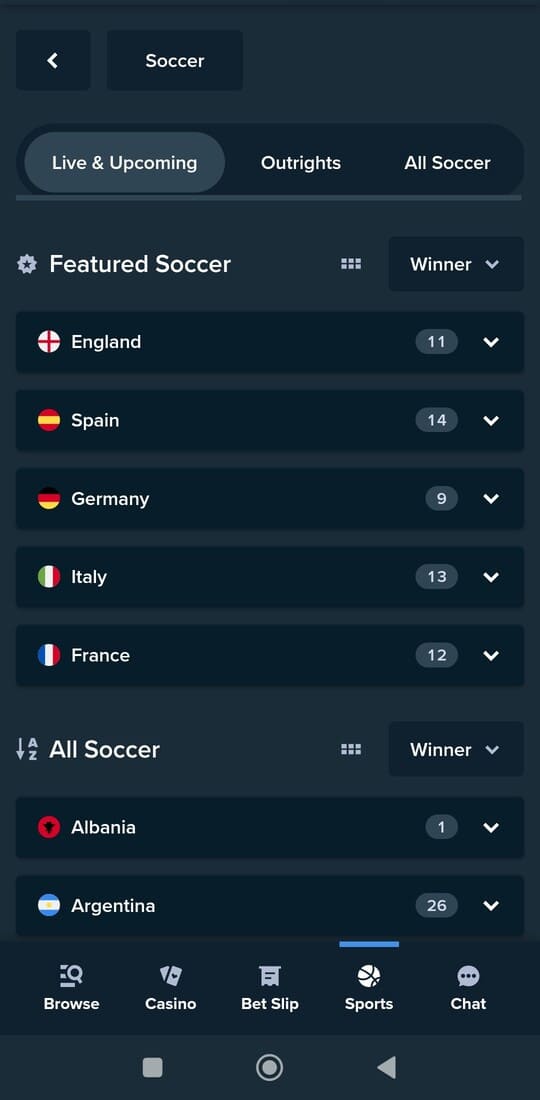
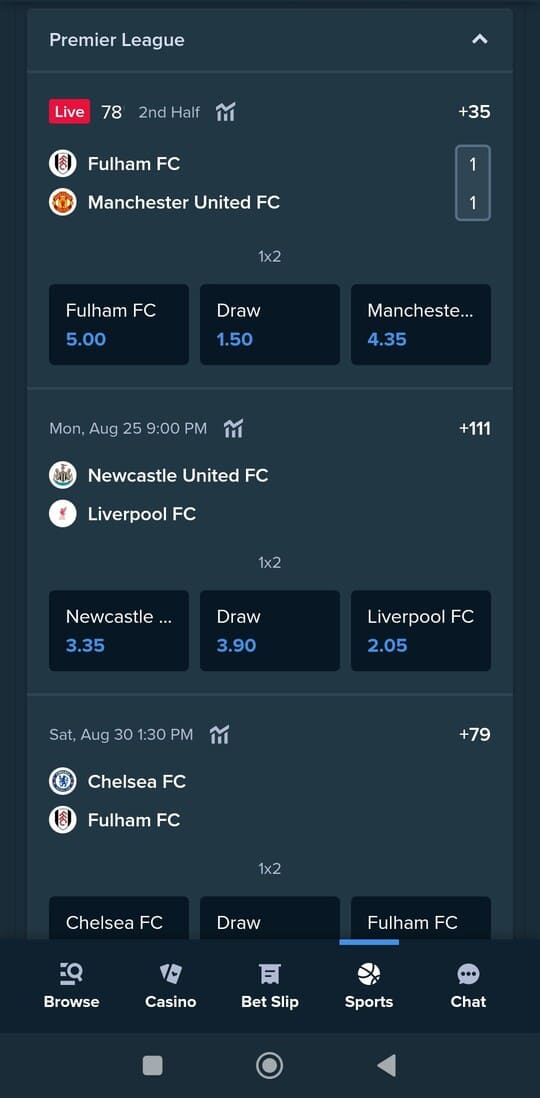
A quick snapshot of Tortuga Casino’s key areas. Pick a tile to jump straight to the section you need.
Slots and Live Casino at Tortuga Casino

The lobby groups slots into clear hubs: classics, Megaways, jackpots and themed picks. Use instant search and quick filters to sort by provider, mechanics, volatility or popularity. Your recent and saved games stay on top so you can continue in a tap. For the full catalogue, visit Slots.
Every slot has an info panel with the facts that matter: reels, paylines, indicative RTP, volatility, bet range per spin and whether features like re‑spins or bonus buy are available. Extras such as expanding or sticky wilds, symbol upgrades, multipliers or avalanche/cluster play are summarized so you immediately see what sets a title apart.
Jackpot hunters get a dedicated section for daily, weekly and progressive pots. A badge shows “must drop” thresholds and the live pot value. Sort by jackpot size or last drop—ideal if you’re targeting big progressives or prefer more frequent falls.
The slot detail view is built for pace: rules and paytables open in a lightweight panel, you can swap between demo and real mode (where permitted) and set quick bet steps. Animations and audio can be muted or sped up, and a compact mode trims visuals if you want a calmer screen.
The live area features real‑dealer blackjack, European roulette, baccarat and modern game shows. Table cards show table limits, language and any side bets. The lightweight player lets you hop tables fast, adjust quality to your connection and review your latest bets right in the footer.
Prefer efficiency? Favourites, “recently played” and provider filters work the same everywhere. Pin titles to the top bar, reorder categories, and toggle compact or expanded lobby views. The search understands game names and genres (e.g., “Egyptian”, “fruit”, “Megaways”) and suggests options based on your play history.
The experience feels native on mobile and desktop. On phones, carousels glide horizontally with thumb‑friendly zones; icons are larger and bet buttons get extra spacing. On desktop, you’ll see more room for paytables, stats and layout, plus you can compare multiple windows side by side.
New to a mechanic? Short tooltips and examples help you get oriented. If you already know what you want, jump through quick filters like “Feature buy”, “High volatility”, “Jackpots” or “Classic”. Preferences persist across sessions so the lobby opens the way you left it.
Create your account: getting started

Setting up an account takes only a moment and unlocks every section immediately. Head to Sign In/Up to log in or register. With one profile you can save favourites, revisit recent activity and manage your preferences centrally—on mobile and desktop.
Registration is a few steps: enter your details (email or phone), choose a strong password, agree to the terms, then activate via email link or SMS code. After activation you’ll land in your profile where you can pin favourite categories and choose a compact or expanded lobby.
Always use your own, accurate information. One person is allowed one account; your profile name should match your ID and the payment method you add later. This prevents payout delays and extra checks down the line.
Verification (KYC) may be requested before a withdrawal or when using a new device. Usually a clear photo or scan of an ID is enough; sometimes proof of address or a payment method confirmation is needed. Ensure corners are visible, the image is sharp and file limits are respected to speed up review.
For security, use a unique password you don’t reuse elsewhere, enable extra login confirmation if available and sign out sessions you don’t recognize. In your profile you can view all active sessions and log out everywhere with one action. Avoid “stay logged in” on shared devices.
In Settings you control language and notifications (e.g., balance updates or new promos). Mark providers as favourites, rearrange categories and pin recent titles so they’re always on top. Your choices are remembered and restored on your next visit.
If something doesn’t work, try this quick checklist: check your spam folder, request a fresh activation code, try another browser or clear stale cache. If the address already exists, use password reset; not receiving codes? Verify the number and ensure SMS blocking is off.
After setup, your dashboard shows recently played titles, saved favourites, notification choices and summaries of key actions. From here you can hop between slots, live tables and sports, and set limits and session preferences that match your style.
Welcome package & promotions

New players can claim a welcome package split across the first four deposits. Each step has its own terms and a plain‑English summary in your account. Pick per deposit what suits you best—slot‑focused or a variant suitable for live tables. Activation is simple: choose the offer before you deposit and confirm the summary.
Progress updates in real time with a clear tracker. Each offer outlines which categories contribute, what bets count, and how long the deal remains active. You’ll also see any maximum bet per spin or round during a bonus so there are no surprises later.
Weekly staples return on a schedule. Early week often features a reload; later you’ll see extra spins. The specifics change, but the flow stays consistent: activate, play within the timeframe and redeem in your account. Profile alerts remind you of deadlines and remaining steps.
Want to focus? Use promo filters to show only offers for your favourite providers or a certain category. Completed promotions appear below with date and a short summary, so you can review what you claimed and how it ended.
Each deal comes with category contributions. Slots typically count 100%, while some variants may contribute less or be excluded. Live tables often have separate rules—side bets can contribute differently than main bets, and strategies that permanently hedge outcomes are outside terms.
The VIP program is built for returning players. Earn levels as you play and collect BP (bonus points) on the way. Redeem points in‑account with one click; your balance updates instantly with a compact log showing previous exchanges and timestamps.
Transparency first. Before you activate, a brief summary highlights duration, category contribution, max bet, any excluded titles and how rewards are credited. You can reopen the summary anytime while playing; progress updates automatically after each round.
A typical flow: select the offer, deposit, play eligible categories and complete the requirement. The reward then appears in your account with a date and a credit button. If you don’t finish in time, the offer simply expires and your regular balance remains available.
Prefer to play without promos for a while? Ignore offers or mute alerts. If you don’t want to miss anything, keep notifications on—you’ll get a nudge when a deal is about to end or when a new one matches your habits. You can change this anytime in Settings.
In short: choose per deposit, track progress clearly, and trade points for extras when it suits you. With predictable steps and concise summaries, you stay in control of what you activate and what you get in return.
Sign in

Sign in using your email or phone number plus password. You’ll land on your dashboard with recent activity, favourites and quick access to slots, live tables and sports. The start view adapts to what you use most so you spend less time searching.
On trusted devices you can stay signed in; on shared or public devices, always sign out after use. If you log in from a new device, a short confirmation may be required to keep your profile and funds secure.
Your account view consolidates it all: last played, favourites, alerts and active offer summaries. Tweak settings without hopping pages—language, notifications, category shortcuts and lobby order.
Forgot your password? Request a reset code and create a new one right away. Use a strong, unique password. If you spot unusual sign‑ins, end all sessions from your profile and change your credentials. You can also disable “remember me”.
Can’t sign in? Check for typos, reset your password, look for recovery emails in spam, and if needed try another browser or clear old cache/cookies. Temporarily pausing extensions that block forms can also help.
If you see a security notice (like “too many attempts” or “unknown device”), wait before retrying or complete the verification step. This prevents lockouts caused by repeated incorrect entries.
The interface stays familiar across devices—bigger tap targets on mobile and extra detail space on desktop. The login page remembers your preferred sign‑in method for faster access next time.
Once signed in, continue instantly: reopen your last game, jump to live tables or browse sports markets. Everything sits in the top navigation and your shortcuts so you can pick up right where you left off.
Deposits & withdrawals

Manage deposits and cashouts from your account dashboard. Pick a method, review a pre‑confirm summary with per‑transaction minimums and maximums, then finalize. Any fees or expected timing are shown up front so you know exactly what to expect.
Deposits generally credit immediately. If an extra confirmation is required, the request stays “pending” until the provider responds. You can cancel while it’s still pending; once processed, the amount appears in your balance and in your history.
Withdrawals are processed as quickly as possible. Timing depends on method, time of day and whether your details are already verified. Your history shows each request’s status (“pending”, “processed”, “credited” or “cancelled”) and the next step.
For security, verification (KYC) may be required before a first withdrawal or when signing in on a new device. A clear photo of an ID is usually sufficient, sometimes supplemented by proof of address or a payment method check. The clearer the upload, the faster the review.
To avoid delays, use the same route for withdrawal as for deposit when possible. “Return to source” is often prioritized because it matches earlier transactions. If not available, choose an alternative and follow the brief method‑specific steps.
Limits keep things tidy. You’ll see per‑method minimums and maximums, plus any daily or weekly caps. If you hit a limit, you’ll get a notice with when you can submit again. The system blocks duplicates and shows a clear error instead of stalling.
Practical tips: ensure your account name matches your payment method; avoid shared accounts; and confirm the pre‑confirm summary matches your intended amount. If something looks off, cancel and retry or pick a method that better fits your situation.
For the full run‑down of available methods, per‑transaction limits and extra guidance, visit Payments. You’ll find typical processing times and what to do if a provider is in maintenance or slower than usual.
Bottom line: choose your route, confirm the summary, and track status in your history. With clear messages, consistent steps and swift confirmations, you stay in control throughout deposits and withdrawals.
Sports betting at Tortuga Casino

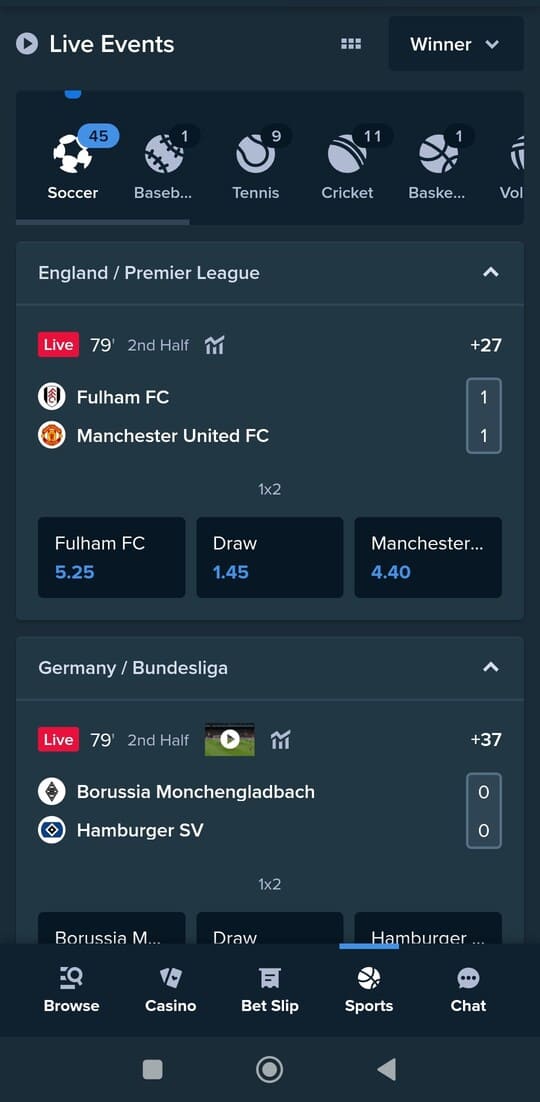
Explore live and pre‑match markets with clear league filters and quick picks like popular bets, handicaps, totals and player stats. Odds refresh automatically; any change is highlighted before you confirm so you can adjust your stake in time.
The bet slip instantly calculates stake, potential return and combo rules. Add or remove markets without losing your selection; invalid combos are clearly marked with a brief explanation.
For in‑play betting, the interface stays compact: score, clock and key events sit on top, with fast markets by game phase below. The odds feed prioritizes volatile markets so you don’t miss pivotal moments.
Build accumulators in a few taps. Same‑game combos are available where permitted; if a market can’t be combined, you’ll get an alternative with a similar outcome (for example, a totals option with a slightly different line).
Cash‑out supports full and partial options. The slip indicates when cash‑out is paused (e.g., VAR or time‑out) and when it returns. The latest cash‑out value is pinned on top for quick confirmation.
Alerts keep you moving: enable notifications for goals, cards, period ends and odds thresholds. On mobile the slip is always within reach; on desktop you can view scores and markets side by side for faster comparisons.
Tournaments get a summary page with schedule, live scores and shortcuts to specials. Filters by date, country and league are consistent across the board; favourites float to the top so your go‑to competitions show up first.
Your history lists recent bets with status, placed odds, any cash‑out and settlement. Use “place again” to re‑load the same selection—closed markets are auto‑replaced where possible.
Why choose Tortuga Casino

Tortuga Casino blends a broad game library with a clean, consistent interface. Navigation across slots, live tables and sports feels identical on every screen with matching controls and patterns. Pages load quickly, carousels respond instantly and filters remain visible while you browse.
Personalization saves time: favourites float to the top, “recently played” sits in the header, and you can reorder categories to your liking. The search bar understands titles, providers and themes; suggestions adapt to your behaviour without clutter.
Promos follow a predictable rhythm: a welcome package across your first deposits and weekly staples. Each offer shows a short summary with duration, category contribution and max bet. Track progress live; claiming takes a single action without detours.
Returning players get a clear VIP path with tangible perks. You always see your current level, the benefits and how far to the next tier. BP (bonus points) convert in your account instantly with a concise log of past exchanges and exact timestamps.
Payments are transparent. Per method you’ll find minimums, maximums and expected timing in one view. The pre‑confirm summary prevents mistakes. History shows status, time and route. If verification is needed, you’ll see a checklist and real‑time feedback on uploads.
Stability and speed take priority. Live tables switch smoothly, video adapts to your connection and components load progressively so you aren’t waiting on extras. Controls stay within thumb reach on mobile; desktop gives you more room for detail.
You’re in charge of alerts and privacy. Toggle notifications for promos, balance or sports with a tap. Session controls show where you’re signed in; “log out everywhere” closes all at once. Preferences, language and layout live in a single, consistent panel.
Support is close by. If something stalls, you’ll see actionable steps first; if you still need help, contact is quick and you can share exactly what you tried. From registration to play and payout, the route stays short, clear and predictable.
Compare: app, mobile site and desktop
Each format shines in its own way. The mobile site works without installation, desktop suits longer sessions with more screen real estate, and the Android app delivers the fastest, most stable on‑the‑go experience. Read more on the App page.
| Feature | Android app 🤖 | Mobile site 📱 | Desktop 🖥️ |
|---|---|---|---|
| ⚡ Speed & stability | Snappy and robust, tuned for Android. | Good; depends on network and browser. | Very stable, especially on fixed internet. |
| 📶 Data usage | Efficient via local assets and caching. | Moderate; reloads pages more often. | Moderate/low; many resources cached. |
| 🎥 Live odds & streams | Fast updates with low latency. | OK updates; may stutter at peak times. | Smooth with a stable connection. |
| 🔔 Notifications | Supported; quick on key events. | Limited to browser notifications. | Not standard outside the site. |
| 🤏 UX on small screens | Designed for touch and thumb zones. | Adaptable; browser‑dependent. | Not ideal; more scroll/zoom. |
| 🧭 Feature access | Full access; quick switching. | Good; sometimes extra steps. | Full access; lots of detail space. |
| 🔄 Updates & maintenance | App updates plus silent tweaks. | Automatic via web; instant. | Automatic via web; instant. |
| 🔐 Security | Encryption + OS protections. | SSL/TLS; browser settings apply. | SSL/TLS; managed in browser. |
| 📦 Offline assets / caching | Strong; many UI elements local. | Limited; more reloads. | Decent; browser cache helps. |
| 🧰 Multitasking | Quick app switching. | Tabs work; less fluid. | Extensive with multiple windows. |
| ⚙️ System requirements | Android 5.0 or newer. | Modern mobile browser. | Modern desktop browser. |
| 🙂 Ease of use | Compact; controls within reach. | Familiar; sometimes extra taps. | Ample space; broad overview. |
Safe & responsible play

Keep play clear and manageable. Set fixed limits in your account: daily/weekly deposit limits, a loss limit over a period and a session limit for continuous play. When a threshold is reached, you’ll get a clear alert and play pauses until the timer resets.
Build in breaks with a reality check—periodic reminders showing time played and recent results. Need a breather? Set a short time‑out (e.g., 24 hours) or schedule breaks in advance. During a time‑out you can access settings but cannot place bets.
For longer breaks, self‑exclude for a chosen period. It’s confirmed immediately in your profile and cannot be lifted early. Your status appears consistently across the site, and you’ll be reminded of remaining duration if you try to play while excluded.
The “History” view shows what actually happened: deposits and withdrawals, placed bets, outcomes and any cash‑outs. Filter by period or category, and export a file if you want a personal record. Spotting trends early makes it easier to adjust.
The interface can reduce visual stimuli when you prefer. Mute animations, disable sounds and switch to a compact layout with fewer distractions. On mobile, larger tap zones prevent accidental confirms; on desktop, enable extra confirmations for higher stakes or near your session limit.
Notifications keep you informed without noise. Choose which alerts you want: limit reminders, expiring promos or end‑of‑session summaries. Toggle each individually, and review all active options in one place.
Stuck on something? The help section lists quick steps for common issues: lost password, requested verification, adjusting limits or a failed payment. If it persists, contact support from the same screen and include what you’ve already tried.
Your data stays under your control. In “Privacy & security” you can view active sessions, sign out everywhere at once and decide how long a device stays signed in. It’s wise to maintain separate sessions per device and check for unfamiliar logins periodically.
Self‑checks and tips help maintain balance. Ask yourself: do you play longer than planned, chase losses, or find it hard to pause? A quick post‑session check—time spent, number of rounds, net result—makes planning the next session easier and helps adjust limits when needed.
In short: set limits in advance, plan breaks, track your history and use tools that keep you focused on your goals. Everything lives in one consistent place on mobile and desktop so you can play with confidence and a clear overview.
Frequently asked questions
No. You don’t need a mirror when downloading from this page. The site is accessible, so you can get the software directly without detours.
There isn’t a separate installation bonus. New players typically start with a welcome bundle split across multiple deposits, plus returning weekly offers.
Usually a multi‑step welcome package on early deposits and weekly promos that refresh regularly. Your account shows what’s active and how long each deal runs.
It depends on the offer. Some are auto‑applied, others you pick in your account. Check the promo description for exact activation steps and deadlines.
Yes. Each promotion has its own rules for contribution, duration and any game‑type limits. The terms explain how progress is calculated and completed.
As quickly as possible. Timing depends on the method and whether your details are verified. Your history shows the status and next step for every request.
To secure transactions and prevent misuse. It’s typically a one‑time check; after approval, payments usually move quicker.
Verify your email or phone, then request a reset code if needed. Check your spam folder. If issues persist, contact support for assistance.
The app generally feels faster and more stable, optimized for touch. The mobile site works without installation and is great for quick checks; desktop offers more detail.
Yes. Follow the guidance on the Mirror page for a safe, up‑to‑date route. Always use the steps provided there.